01 · Face blur
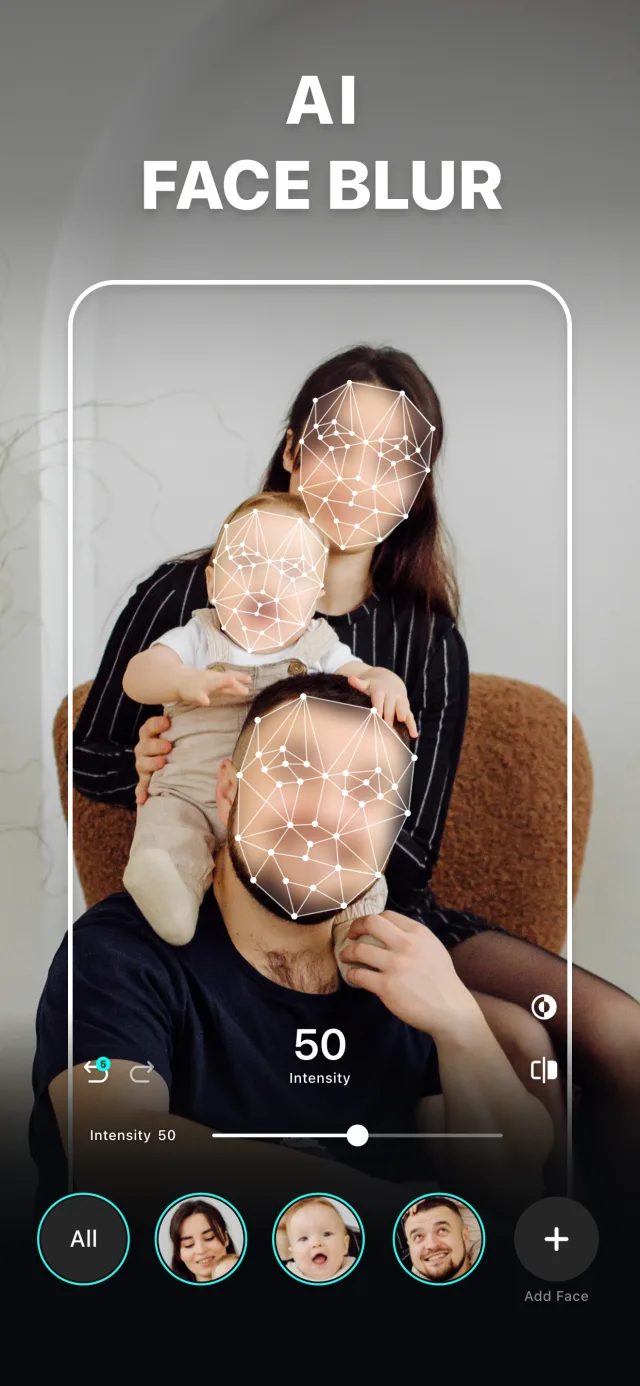
Every face found. You choose which stay.
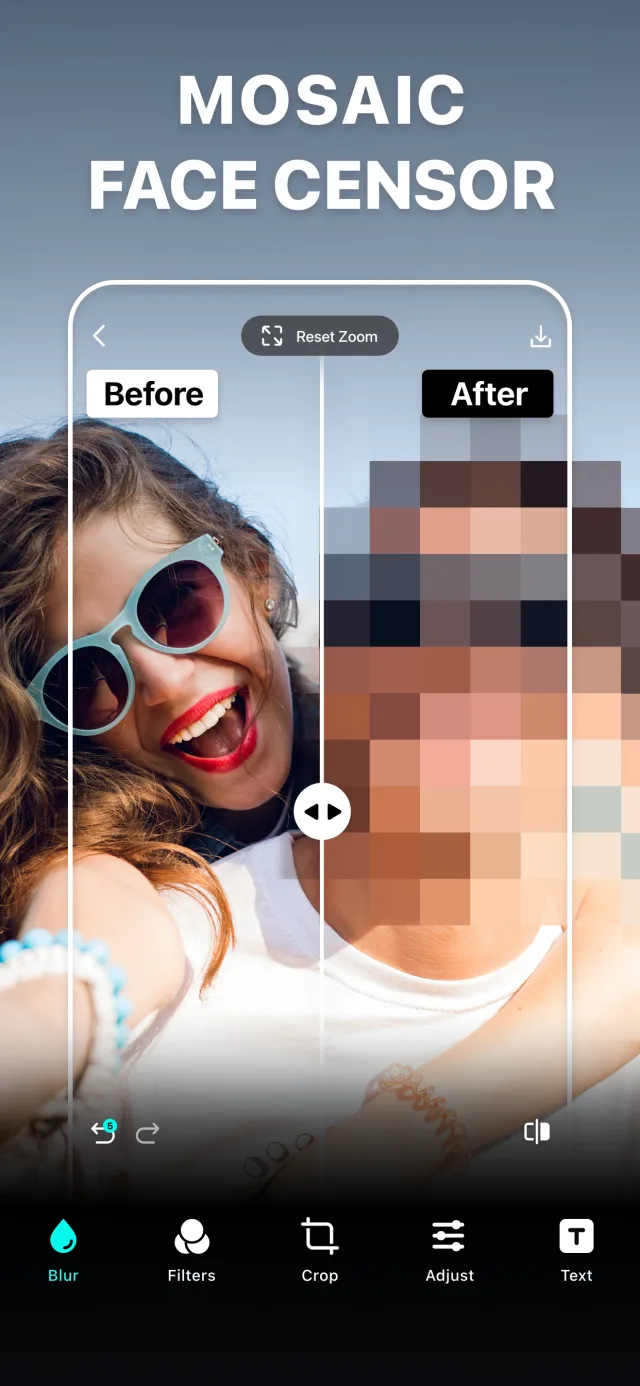
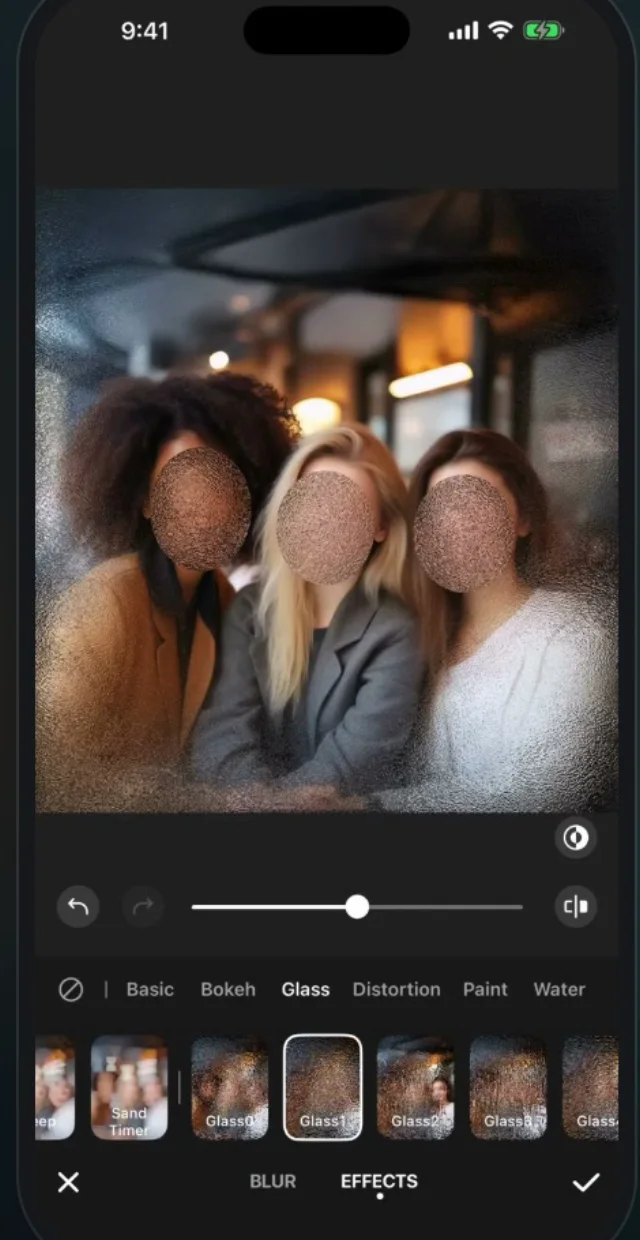
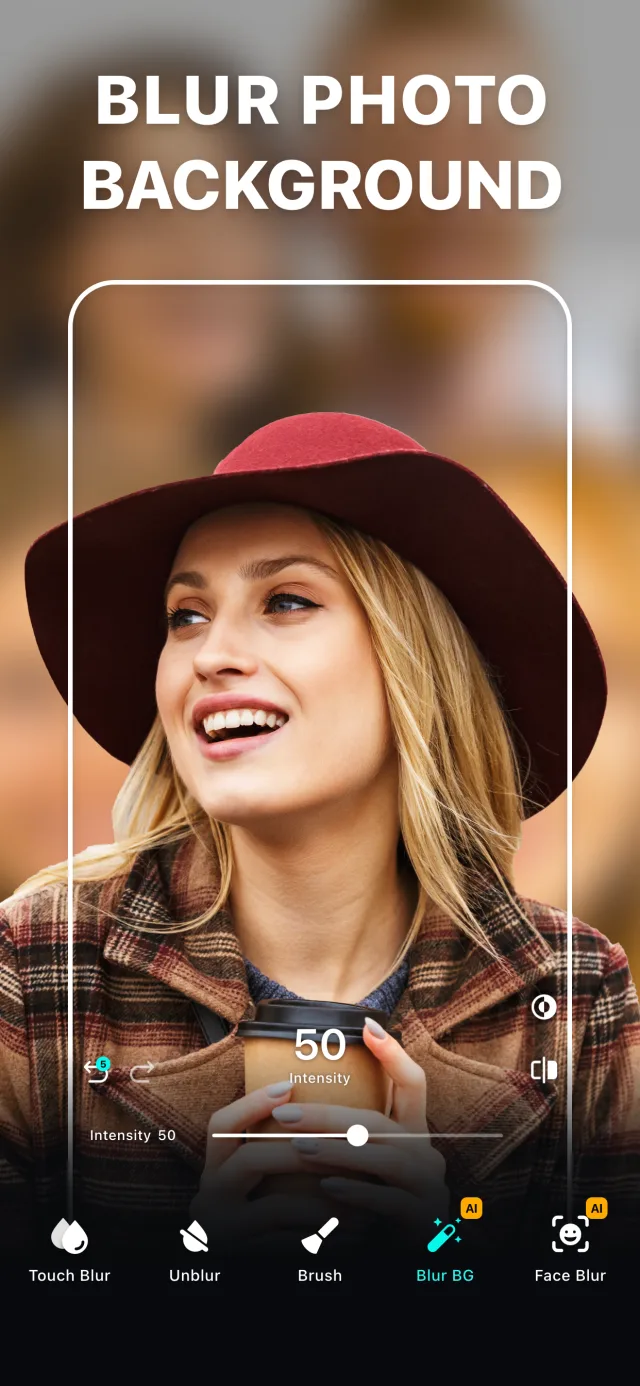
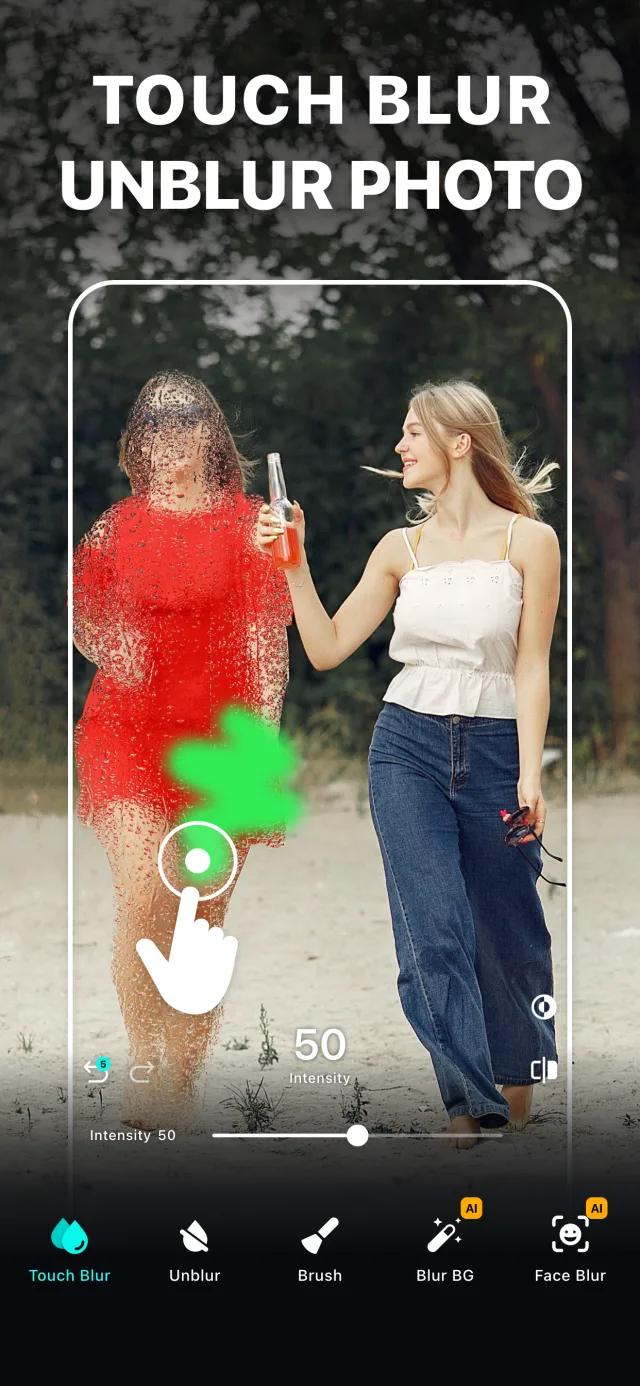
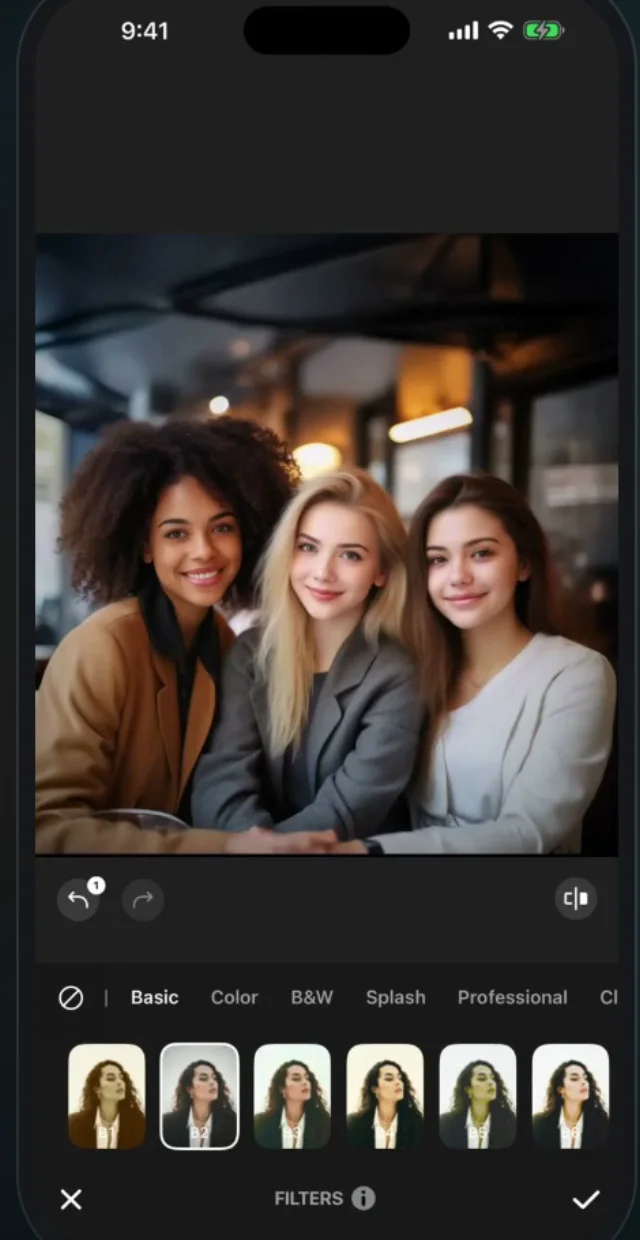
AI Face Blur looks at the whole photo and puts a blur on each face it finds, including the small ones at the back. Every face becomes a chip at the bottom of the screen: tap one to leave that person sharp, drag the slider to decide how strong the blur is, and switch the style to mosaic or pixelate when you want it obvious that something was hidden.
For a number plate, a house number or a credit card, Shape Blur drops a rectangle or a circle exactly where you put it, with a zoom loupe so you can be precise.
Try AI Face Blur